
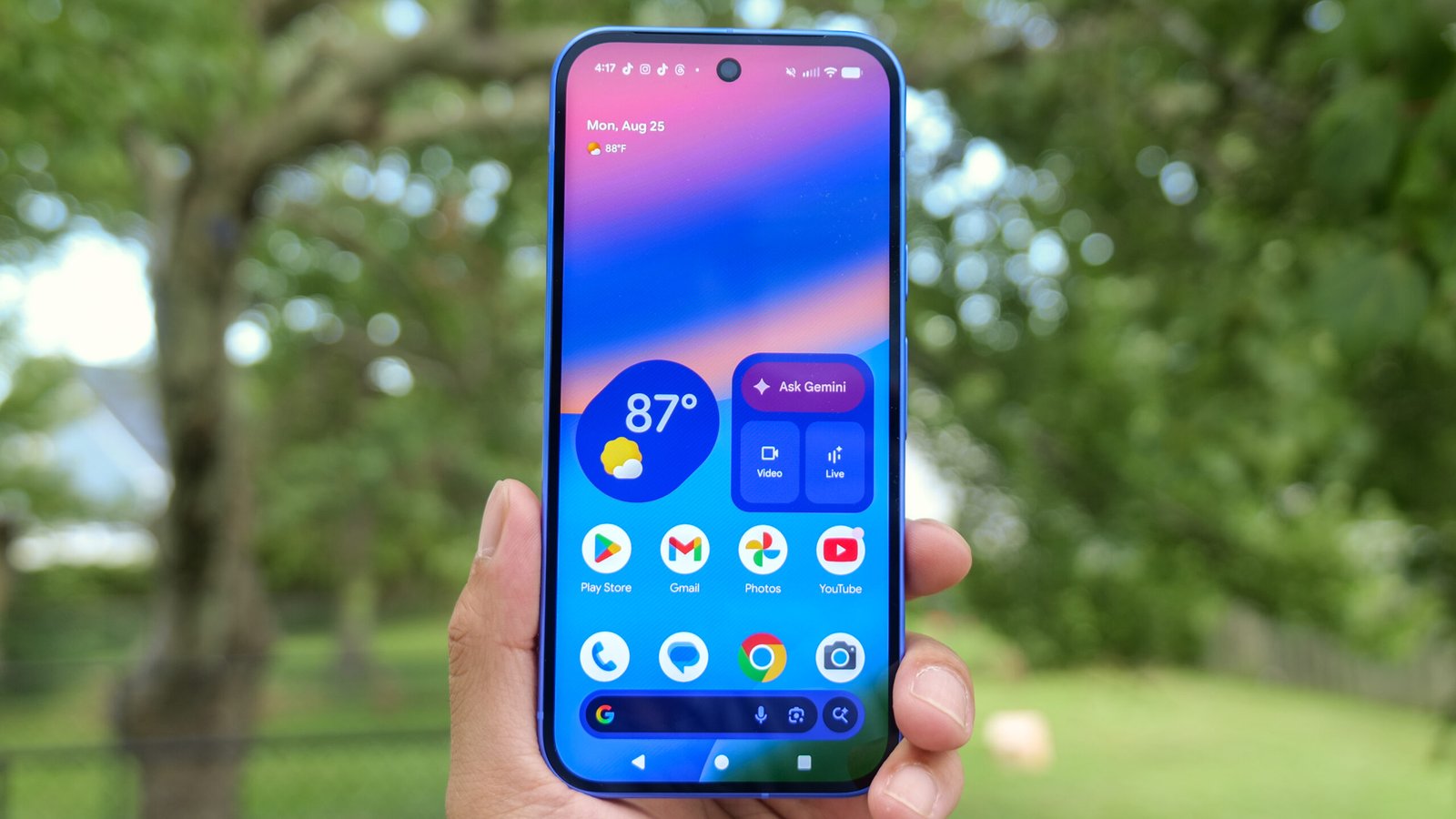
Android smartphones are some of the most popular devices worldwide due to their versatility, affordability, and wide range of features. However, Android users often encounter common Android problems that can affect performance, battery life, connectivity, and user experience. Understanding these issues and learning how to fix them easily is essential for maintaining your device and ensuring smooth operation. This comprehensive guide covers common Android problems, their causes, and practical solutions to help users troubleshoot and resolve issues efficiently.
Slow Performance and Lag
One of the most common Android problems is slow performance and lag. Over time, smartphones can become sluggish due to accumulated cache, background apps, outdated software, or insufficient storage. Slow performance can affect gaming, app usage, web browsing, and multitasking.
Fix: To resolve slow Android performance, clear cached data regularly, uninstall unused apps, and disable background processes. Ensure your device has sufficient storage by transferring media files to the cloud or external storage. Updating your Android version and apps also improves speed and security. For persistent issues, performing a factory reset can restore optimal performance while backing up important data first.
Battery Draining Quickly
Rapid battery drain is another common Android problem. Battery issues can result from power-hungry apps, outdated software, high screen brightness, or battery aging. Users often notice the battery percentage dropping quickly, even with minimal usage.
Fix: To fix battery drain on Android, identify battery-intensive apps through settings and restrict background activity. Reduce screen brightness, disable unnecessary features like Bluetooth or GPS when not in use, and enable battery saver mode. If the battery is old, consider replacing it. Updating Android software can also enhance battery optimization.
Overheating Issues
Android devices can overheat due to prolonged gaming, streaming, heavy app usage, or faulty batteries. Overheating can cause lag, app crashes, and reduced battery life.
Fix: Avoid using your Android device while charging, close resource-intensive apps, and remove cases that trap heat. Limit background processes and reduce screen brightness. In severe cases, visit a certified service center to check for battery or hardware issues. Keeping your device updated ensures thermal management features are optimized.
App Crashes and Freezing
Frequent app crashes and freezing are common Android problems that disrupt productivity and entertainment. Apps may crash due to bugs, outdated versions, insufficient RAM, or corrupted cache data.
Fix: Update the app to the latest version, clear app cache, or reinstall the app. Restarting the device can also resolve temporary glitches. For persistent crashes, check for Android system updates or reset app preferences in settings. Avoid installing incompatible apps that may conflict with your device’s system.
Connectivity Issues: Wi-Fi and Bluetooth
Wi-Fi and Bluetooth connectivity problems are common Android issues, causing difficulty in browsing, streaming, or connecting devices. Weak signals, outdated software, and incorrect settings can lead to connection drops or slow speeds.
Fix: Toggle Wi-Fi or Bluetooth off and on, forget and reconnect to networks or devices, and ensure the device is within range. Restarting your router or resetting network settings in Android can resolve persistent issues. Updating your Android version ensures compatibility with the latest protocols.
Storage Full Errors
Android users often face storage full problems, especially with devices having limited internal storage. Storage issues prevent app installation, slow down the device, and cause performance problems.
Fix: Clear cached data, uninstall unused apps, and move media files to cloud storage or SD cards. Use Android’s built-in storage manager to identify large files or duplicate content. Regularly managing storage prevents common Android problems and maintains optimal performance.
Frozen or Unresponsive Screen
An unresponsive or frozen screen is a frustrating Android problem that prevents normal usage. It can occur due to software glitches, overheating, or faulty hardware.
Fix: Perform a soft reset by holding the power button and volume key simultaneously. Remove any recently installed apps that may be causing conflicts. If the problem persists, perform a factory reset after backing up data. Screen responsiveness issues can also be caused by physical damage or faulty touch panels, which may require professional repair.
Audio Problems
Audio issues on Android devices, such as no sound, distorted audio, or microphone failure, are common problems. These issues can result from software bugs, app conflicts, or hardware malfunctions.
Fix: Restart your device, check volume and audio settings, and test with headphones. Clearing app cache or reinstalling the affected app can resolve software-related audio issues. For hardware problems, visiting a certified service center may be necessary. Updating Android ensures improved audio performance and bug fixes.
Camera Malfunctions
Camera issues, including blurry photos, app crashes, or failure to open, are common Android problems. Software bugs, outdated apps, or insufficient storage can affect camera functionality.
Fix: Clear the camera app cache, update Android and camera apps, and restart the device. Ensure there is sufficient storage for photos and videos. For persistent issues, reset camera settings or perform a factory reset. Hardware problems may require professional inspection or repair.
Notification Problems
Android users often face notification issues where apps fail to alert properly. Missed notifications can result from battery optimization settings, app-specific restrictions, or system glitches.
Fix: Check notification settings for each app, disable battery optimization for critical apps, and ensure background data is enabled. Restarting the device can resolve temporary notification glitches. Keeping Android software updated improves notification reliability.
Slow or Lagging Keyboard
A slow or lagging keyboard affects texting, typing, and productivity. This common Android problem can be caused by app conflicts, insufficient RAM, or outdated software.
Fix: Clear keyboard app cache, update the keyboard app, or switch to a lighter alternative. Restarting the device can improve responsiveness. Disabling heavy animations or background apps also enhances typing speed. Regular maintenance of the Android device ensures smooth keyboard performance.
Mobile Data and Network Issues
Mobile data problems, including slow internet speeds or inability to connect, are common Android problems. Network congestion, SIM card issues, or APN settings may cause connectivity disruptions.
Fix: Toggle mobile data off and on, restart your device, or reinsert the SIM card. Verify APN settings provided by your carrier. Updating Android ensures compatibility with the latest network protocols and improves overall connectivity. Using network troubleshooting tools can also identify underlying issues.
GPS and Location Problems
GPS inaccuracies or failure to locate the device is a common Android problem, affecting navigation, ride-hailing apps, and location-based services.
Fix: Ensure location services are enabled, toggle GPS off and on, and calibrate the compass in settings. Clear cached location data, restart the device, or update Android for improved GPS accuracy. For persistent issues, check for hardware problems with the GPS module.
Overheating While Charging
Overheating during charging is a frequent Android problem that can reduce battery lifespan and device performance. This may result from using incompatible chargers, faulty cables, or software glitches.
Fix: Use the manufacturer-recommended charger and cable, avoid heavy usage while charging, and remove phone cases that trap heat. Update Android software to benefit from optimized charging management. For recurring overheating, consult a certified technician to inspect the battery.
App Installation Failures
App installation failures or errors occur when downloading apps from the Google Play Store or other sources. Causes include insufficient storage, Play Store glitches, or incompatible software versions.
Fix: Clear Google Play Store cache, ensure sufficient storage, and check internet connectivity. Restart the device and attempt the installation again. Updating Android and the Play Store app often resolves installation issues. Enabling “Unknown Sources” only for trusted apps prevents errors when installing third-party applications.
Touchscreen Sensitivity Issues
Touchscreen problems, such as delayed response or ghost touches, are common Android problems. These issues can result from software bugs, screen protector interference, or hardware malfunctions.
Fix: Restart your device, clean the screen, and remove screen protectors if necessary. Update Android and perform a calibration if available. Persistent touchscreen issues may indicate hardware failure requiring professional repair. Avoid exposing the screen to extreme temperatures or moisture to maintain responsiveness.
Factory Reset as a Last Resort
When multiple Android problems persist, performing a factory reset can resolve software conflicts, glitches, and performance issues. Factory reset restores the device to its original settings but erases all data.
Fix: Back up important files, photos, contacts, and apps before performing a factory reset. Access settings > system > reset options > erase all data. After resetting, restore data selectively to avoid reintroducing problematic apps or files. Regular backups ensure data safety and ease recovery in case of persistent Android problems.
Tips to Prevent Common Android Problems
Preventing Android problems is as important as fixing them. Regular device maintenance ensures smooth performance, longer battery life, and reduced software glitches.
- Keep Android Updated: Regularly install system updates and app updates to improve performance and security.
- Clear Cache Periodically: Clear app cache and temporary files to free up storage and maintain speed.
- Monitor App Usage: Uninstall unused apps and restrict background processes to reduce lag.
- Manage Storage: Move files to cloud storage or SD cards and remove duplicate files.
- Use Certified Accessories: Use manufacturer-approved chargers, cables, and peripherals to prevent hardware issues.
- Enable Security Features: Use antivirus apps, secure passwords, and enable device encryption for safety.
- Regularly Restart Device: Restarting helps refresh memory, stop background apps, and resolve minor glitches.
Conclusion
Android devices are versatile, powerful, and widely used, but they are not immune to common Android problems. Issues such as slow performance, battery drain, connectivity problems, app crashes, overheating, and unresponsive screens can affect usability and productivity. Understanding how to fix these problems easily ensures smooth device operation and prolongs the lifespan of your smartphone.
By following practical solutions, performing regular maintenance, and adopting preventive measures, users can resolve Android issues efficiently. Keeping Android updated, managing storage, monitoring app usage, and using certified accessories are essential steps. Factory resets, troubleshooting network and connectivity issues, and leveraging built-in device tools provide additional support.
Staying informed about common Android problems and fixes empowers users to maintain optimal performance, enjoy a seamless experience, and maximize the potential of their devices. Android troubleshooting knowledge, combined with proactive device care, ensures that users can enjoy the benefits of their smartphones without frustration or disruption.